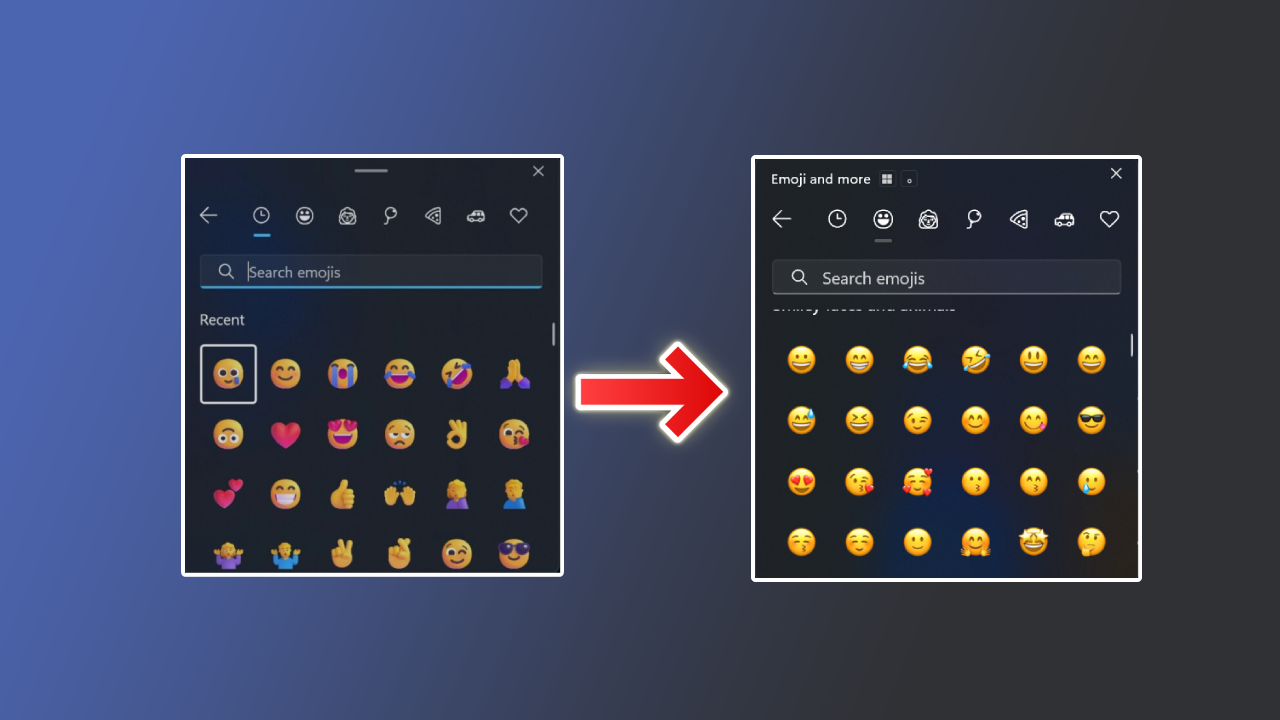
Windows emojis look nothing like Apple’s, so whatever you send from your PC arrives looking off. The fix is to swap the Windows emoji font for Apple‘s own, free, and without deleting anything from your system.
The font comes from an open source project that ships an update with every macOS release. You point Windows to it with a single line, and every emoji in every app turns into Apple’s.
Full walkthrough on video : youtube.com/watch?v=01ho_gGqXv0
Why this method specifically
- It deletes nothing: most guides tell you to delete the Windows font, and that fails because the system keeps the file locked. Here you drop the new font right next to it.
- One line to undo: your original font never moves, so you need no backup and no system repair.
- Always current: the project publishes a new build with every Apple emoji update.
- Completely free: open source, with no middleman app.
How to start
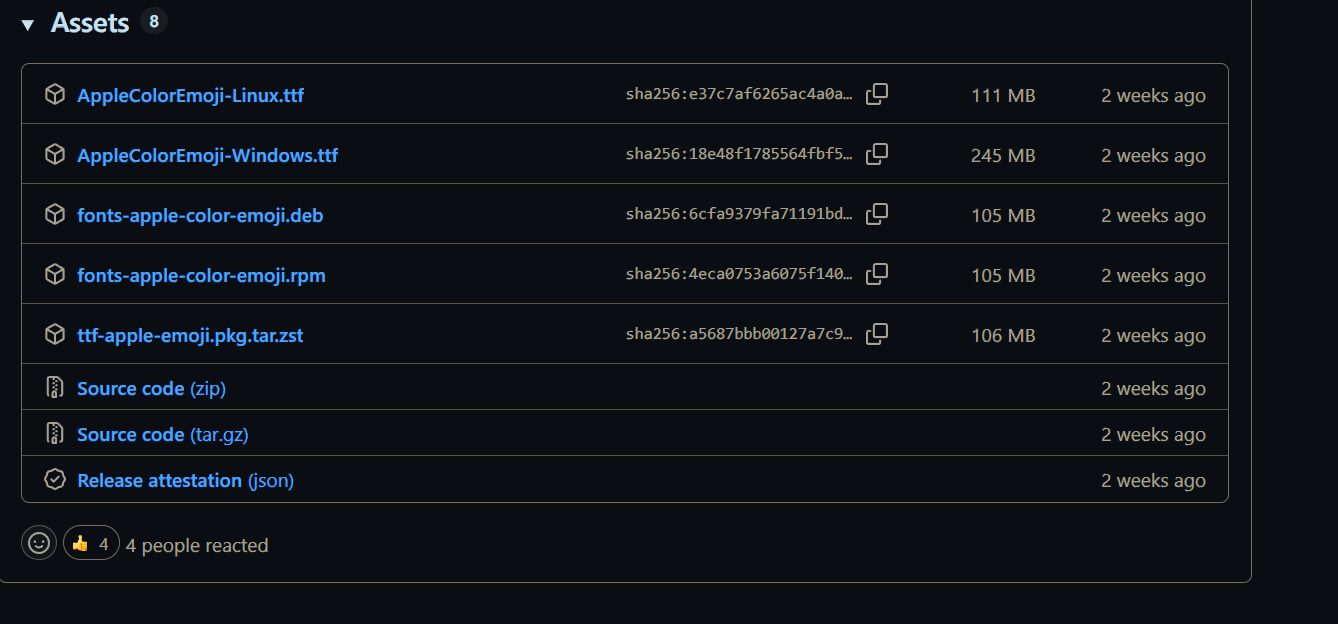
Download AppleColorEmoji-Windows.ttf from the project releases page, open PowerShell as administrator, and run the commands in order.
Command one : copies the Apple font into the Windows fonts folder, next to the original and without removing it. Change basim to your own username, or point it at wherever you saved the font.
copy "C:\Users\basim\Desktop\AppleColorEmoji-Windows.ttf" "C:\Windows\Fonts\AppleColorEmoji-Windows.ttf"Command two : tells Windows to read emojis from the new font instead of the old one. Restart fully afterwards and you will see the change.
Set-ItemProperty -Path "HKLM:\SOFTWARE\Microsoft\Windows NT\CurrentVersion\Fonts" -Name "Segoe UI Emoji (TrueType)" -Value "AppleColorEmoji-Windows.ttf"Command three : whenever you want your Windows emojis back, this points the setting at the original font. Restart after it.
Set-ItemProperty -Path "HKLM:\SOFTWARE\Microsoft\Windows NT\CurrentVersion\Fonts" -Name "Segoe UI Emoji (TrueType)" -Value "seguiemj.ttf"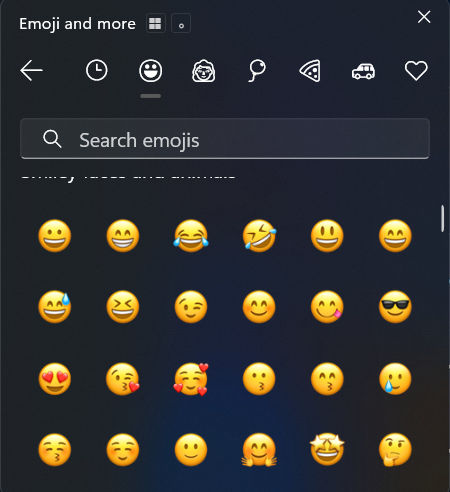
FAQ
I did everything and X still looks the same
X, Discord and WhatsApp Web serve emojis as their own images, not through your system font, so those will never change. Test in Notepad or on YouTube instead.
Some apps changed and others did not
Windows keeps a prebuilt cache of your fonts and it needs clearing. Open PowerShell as administrator, run these, then restart.
Stop-Service FontCache -Force
Remove-Item "$env:WinDir\ServiceProfiles\LocalService\AppData\Local\FontCache\*" -Recurse -Force -ErrorAction SilentlyContinue
Remove-Item "$env:WinDir\System32\FNTCACHE.DAT" -Force -ErrorAction SilentlyContinue
Start-Service FontCache
Will a Windows update revert it?
Large updates sometimes reset the setting. Just run command two again and your emojis come back.
Wrapping up
If the dated look of Windows emojis bothers you, this is the fastest way to change it without putting your system at risk. And if you want to customise Windows further, try Lively Wallpaper for animated desktop wallpapers.
Project and font : github.com/samuelngs/apple-emoji-ttf