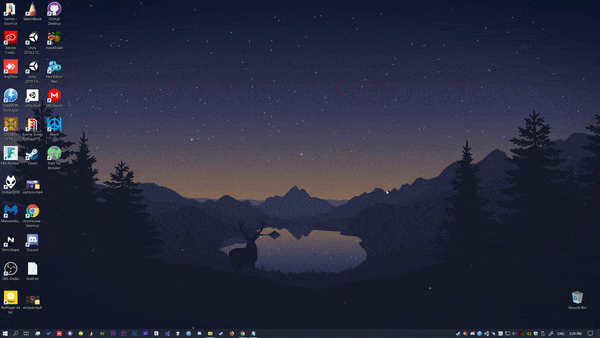
Tired of a static desktop background? Lively Wallpaper turns your desktop into a real moving scene, a video, a GIF, even an interactive webpage. Free and fully open source.
The app runs videos, GIFs, interactive webpages, and even simple games as your desktop wallpaper, and automatically pauses whenever you open a fullscreen game or app, so it doesn’t eat resources when you need them elsewhere.
What it does best
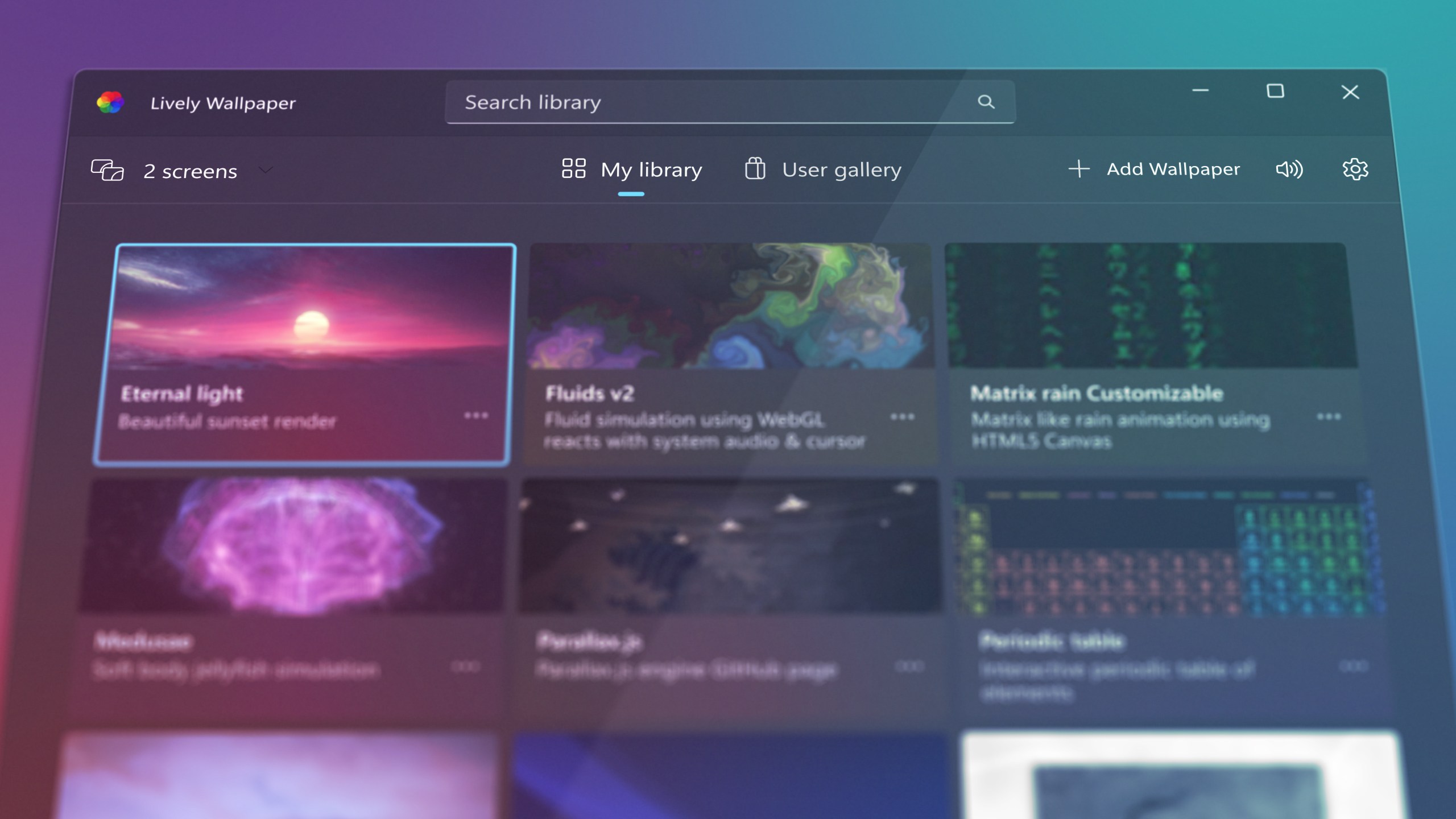
- Multiple wallpaper types: video, GIF, webpage, even simple Unity games as a wallpaper.
- Smart pausing: automatically stops the wallpaper during games or fullscreen apps, so it doesn’t waste power for nothing.
- Large community library: thousands of ready-made wallpapers you can grab in one click from inside the app.
- Audio and mouse reactive: some wallpapers respond directly to your system audio or mouse movement.
Getting started
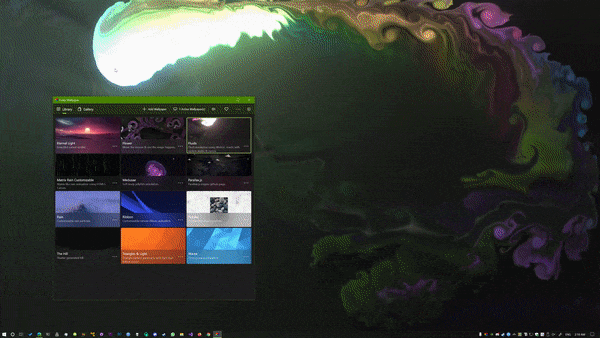
Download the app, open it, and head to the User gallery to browse ready-made wallpapers, or just drag any video or GIF you already have straight onto it to set it instantly.
FAQ
Will it drain my laptop battery fast?
Depends on the wallpaper type. Simple video wallpapers have light impact, while game or complex web wallpapers use more. You can set it to pause on battery power from the settings.
Does it support multiple monitors?
Yes, you can set a different wallpaper per screen, or the same one across all of them.
Does it slow down games?
No, it automatically pauses when it detects a fullscreen app, and resumes once you close it.
Bottom line
If you want a desktop that actually feels like yours instead of a static photo, this is the best free and stable option available right now.
Link : rocksdanister.com/lively