
Every app comes from a different site, updates in its own way, and half the installers try to sneak in extras. UniGetUI ends that mess from a single window.
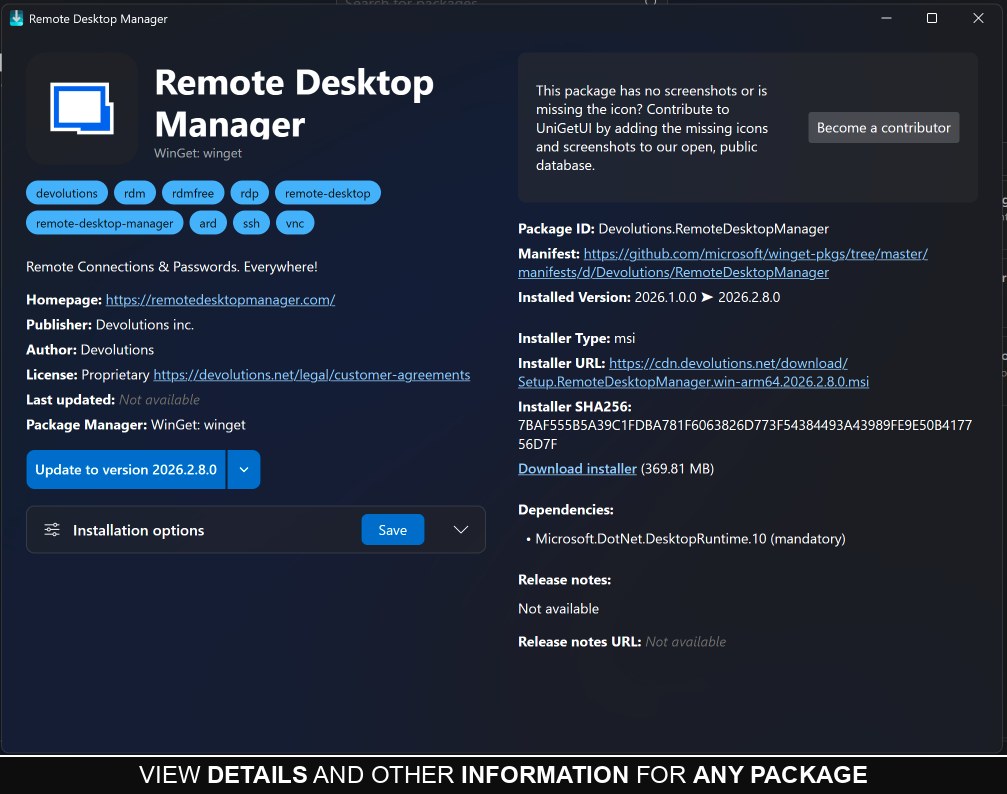
Windows already has a hidden app store (winget), it just has no interface. UniGetUI gives it a clean one: search, click install, and it downloads from the official source. Then updates everything with one click.
What is UniGetUI?
UniGetUI is a free, open source graphical interface for Windows package managers (winget, Scoop, Chocolatey and more). Install, update and remove all your software from one place, without opening a browser.
Why you want it
- Update everything at once: it lists apps with pending updates and updates them together.
- No sketchy download sites: packages come from official sources, so no bundled junk.
- Backup your app list: export it, and after a reinstall import it to get everything back.
- Automatic updates: pick the apps that should update themselves and forget about them.
Getting started
- Download and install UniGetUI once.
- Open the Discover tab and search for any app.
- Click install and let it run in the background.
- Check the Updates tab now and then and hit update all.
Is it safe?
Yes. It hosts no files itself, it is just a front end calling official sources like Microsoft winget. It is now backed by Devolutions and remains open source and free.
FAQ
Does it replace the Microsoft Store?
It covers far more, since its sources include thousands of apps that never reach the Store.
Windows 10?
Yes, Windows 10 and 11 are supported.
Is it beginner friendly?
Yes, everything is graphical. You never type a command.
Related tools
Want more upgrades for Windows itself? See PowerToys by Microsoft.
Note: It asks for admin rights on first launch so it can install and update apps, which is normal for any installer.
Bottom line
If you have more than ten apps on your PC, this saves you real time every month. Install it and let your PC update itself.
Link : github.com


