Open the link and you get a mac lock screen: date, time, and an account you click to log in. Not a picture, not a video, a working web page. The weird part? The whole thing was coded by an AI agent.
The site is called macOS 27 (a fictional version that does not exist), built by the Kimi agent from China’s Moonshot AI as a showcase. Completely free, no signup, no download, opens in any browser.
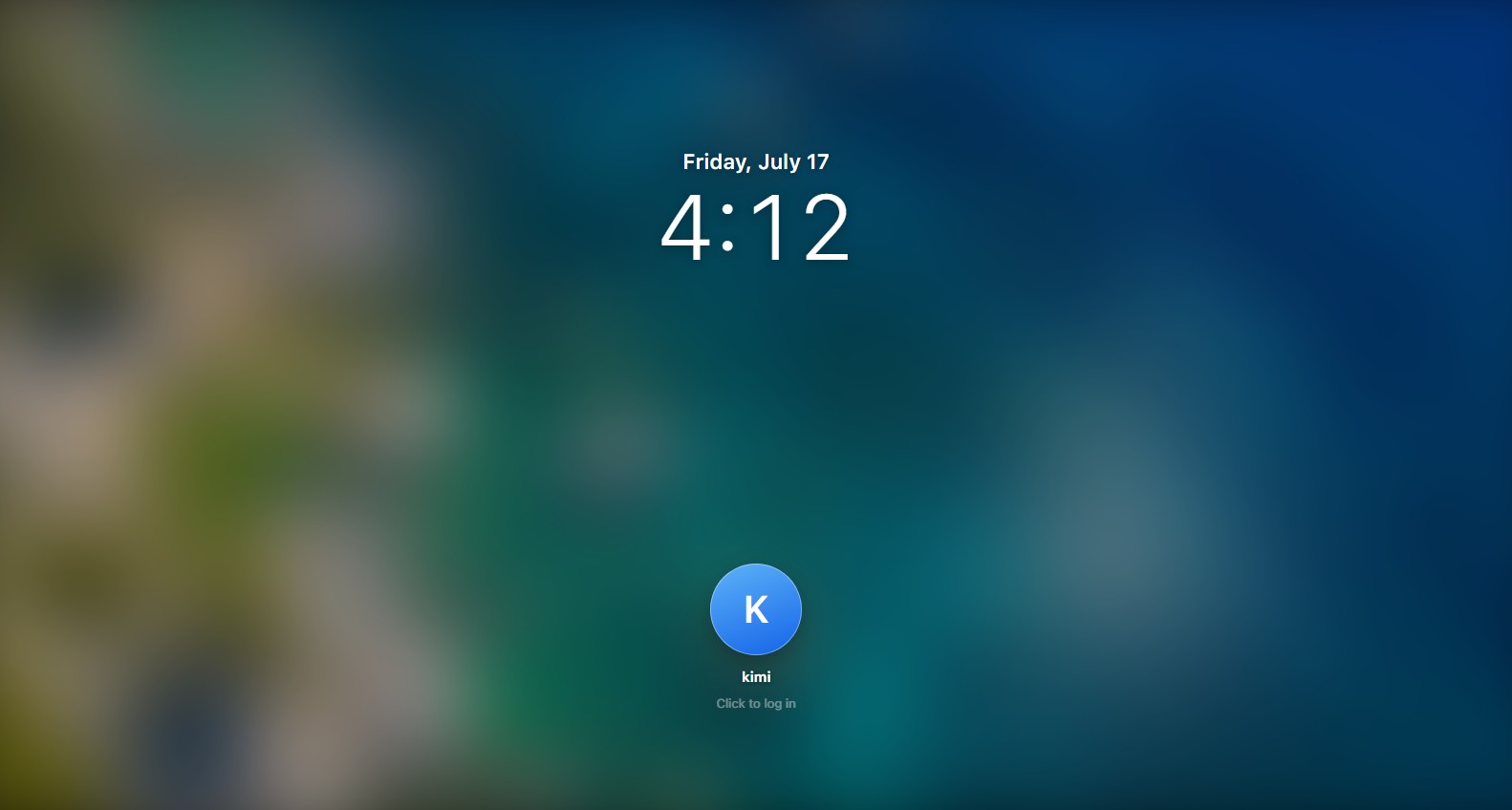
First thing you see
A full desktop: weather, stocks, calendar and reminders widgets, a dock with 20+ colorful apps, even red notification badges on Messages and Mail. The menu bar changes with whatever app is open, exactly like a real mac.
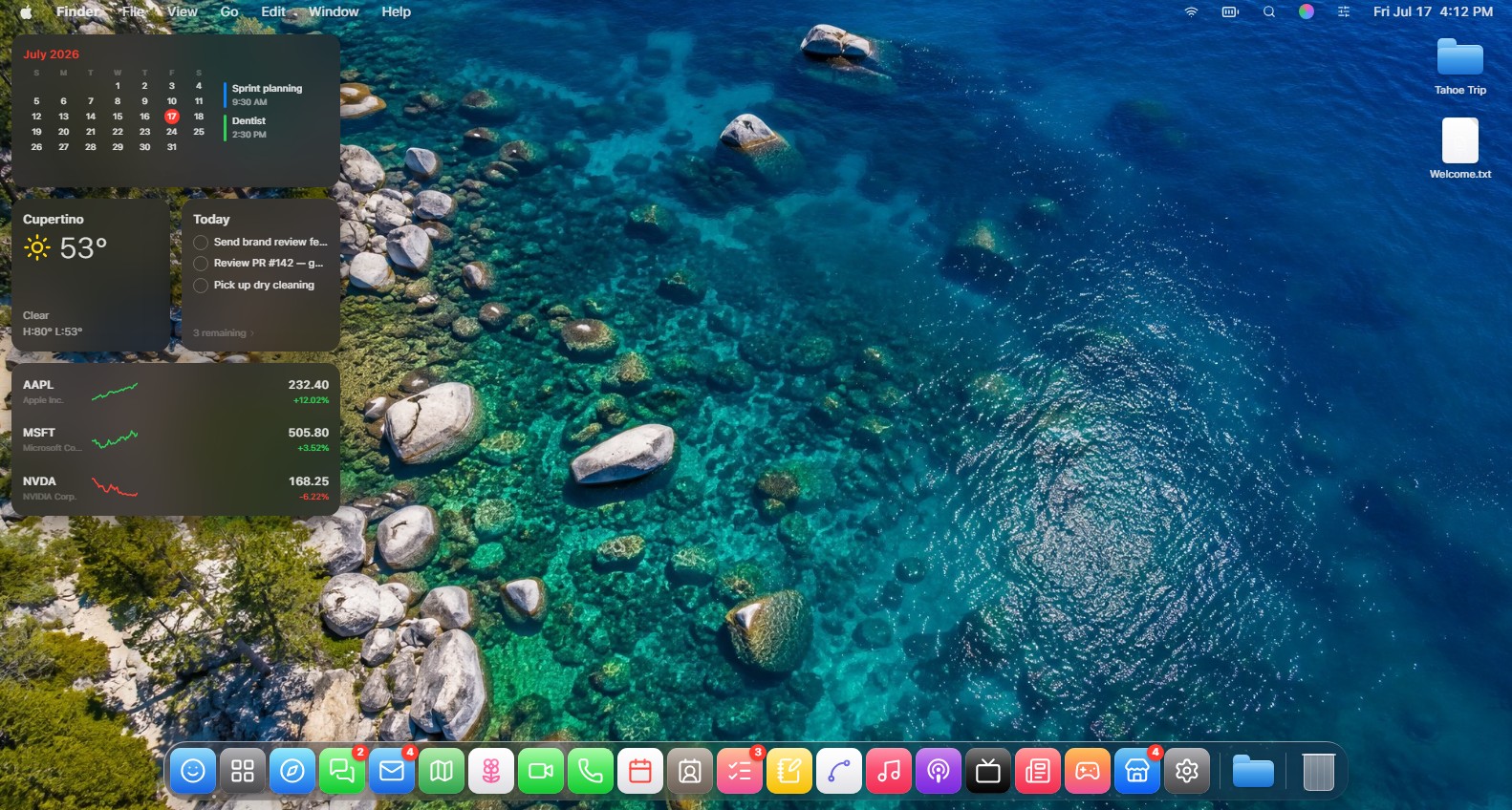
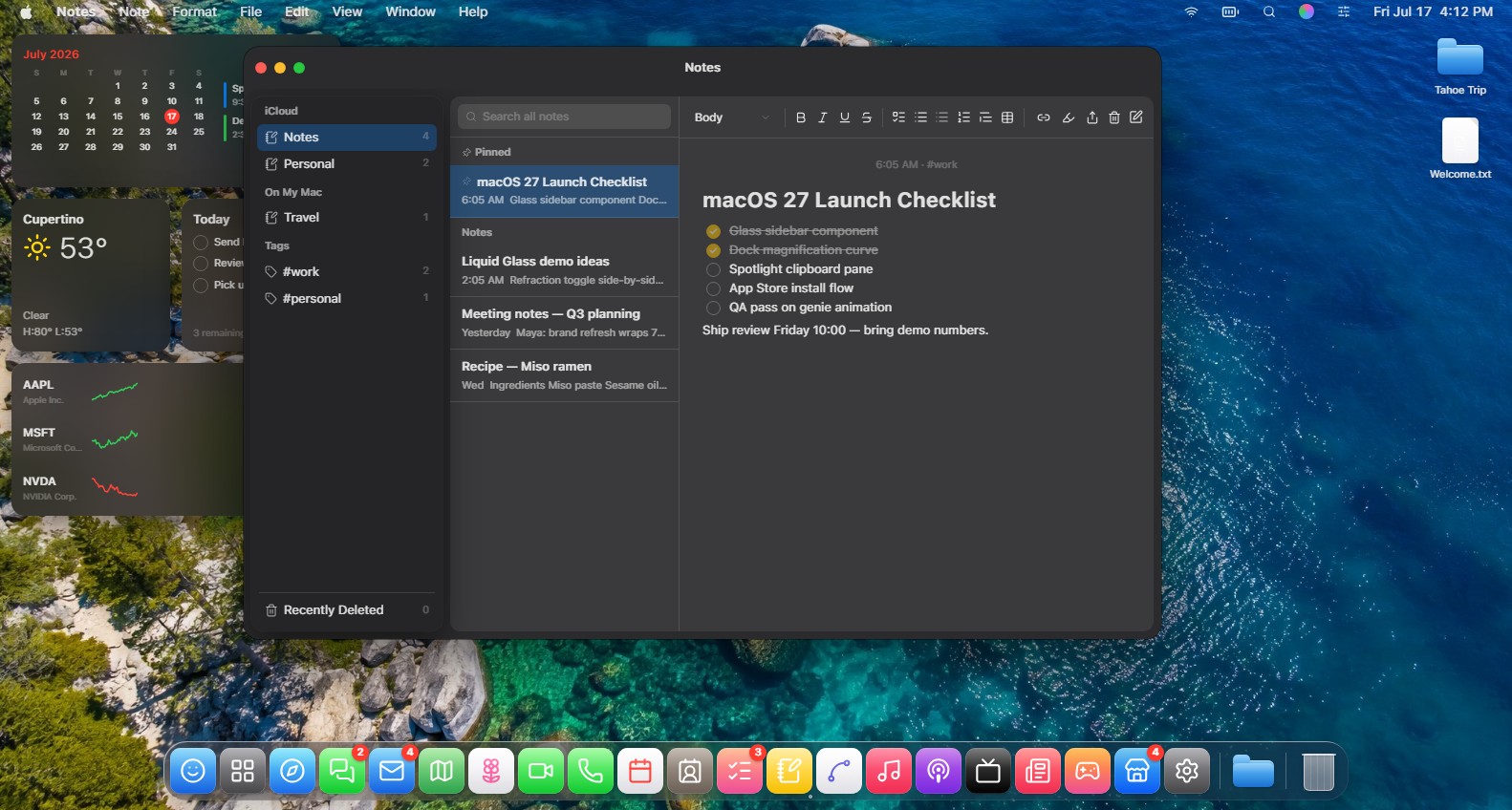
The apps are not just decoration
This is what actually surprised me. I opened Notes and found a full editor: folders and tags, pinned notes, bold, italics, lists and tables, and even exporting a note as Markdown. It is not a fake screen, you can really type, format and save.
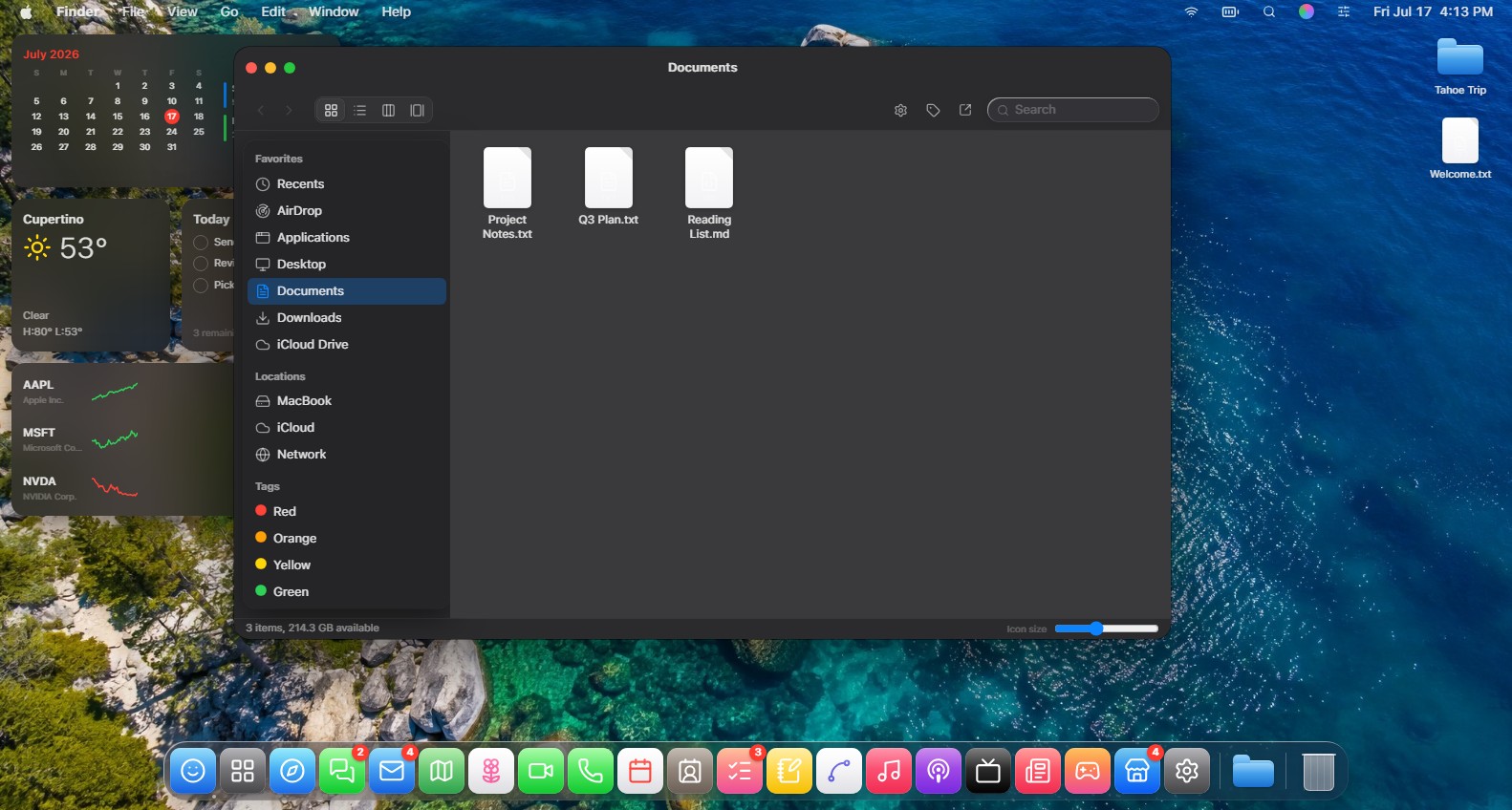
Finder is the same story: a full sidebar with folders and colored tags, 4 view modes, and a slider to resize icons. I tried a bunch of other apps and they all open real windows you can drag, minimize and close.
The real story behind it
Browser-based mac clones have existed for years, but they were passion projects that took developers months. What is new here is that all of this came out of an AI agent from a prompt. The page is obviously an ad for Kimi, but as proof of where AI agents are with building interfaces, it is very convincing.
FAQ
Is it a real macOS?
No, it is a UI simulation inside the browser. You cannot install real software or save files to your machine from it.
Does it work on phones?
It opens, but the experience is built for big screens. Try it on a computer to get the full effect.
Is it free?
Completely, and no signup. Open the link and play right away.
What is Kimi?
A Chinese AI assistant by Moonshot AI, with an Agent mode that builds full websites from a single request. This site is one of its showcases.
Bottom line
You will not use it daily, but it is worth 5 minutes of playing around to see where these tools are now. If you like the idea, we covered something similar before: running full Linux distros in your browser, same spirit.
Link : macos27.kimi.page